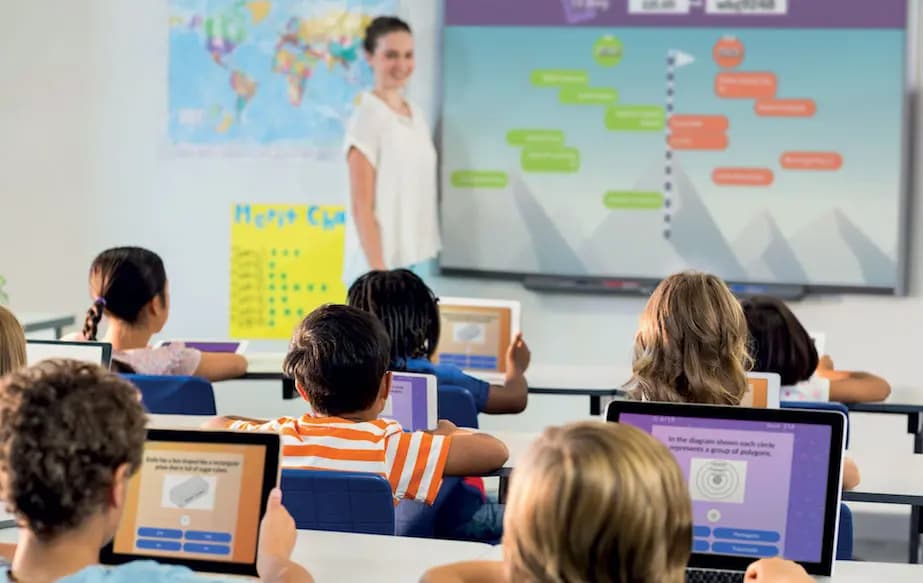
Reimagining Classrooms And Conference Rooms: The Power Of Next-Gen Interactive Displays
In today’s digital age, traditional chalkboards and static projectors are no longer enough to meet the evolving needs of learners and professionals. Interactive displays are transforming how we teach, collaborate, and communicate—bridging the gap between technology and human interaction for more meaningful engagement.
Core Features That Enhance Learning and Collaboration
1. Multi-Touch Responsiveness: Interactive displays support multiple simultaneous touch points, allowing several users to write, draw, and interact at the same time. This creates a genuinely collaborative environment, whether in a classroom or meeting space.
2. Integrated Software Tools: Built-in software offers tools for annotation, screen capture, split-screen multitasking, and content saving. Teachers, trainers, and presenters can annotate over documents, images, and videos in real time, then save and share materials instantly.
3. Multimedia and Web Integration: These panels go far beyond static text. Educators can display videos, simulations, and interactive diagrams, and even pull up web resources on the fly. This flexibility supports diverse learning styles and keeps audiences engaged.
4. Smart Connectivity: Wireless screen sharing makes it easy for participants to display content from laptops, tablets, or phones without cables. Some systems support BYOD (Bring Your Own Device) and BYOM (Bring Your Own Meeting) workflows, improving efficiency in meetings and lessons alike.
Impact on Education
Interactive displays are particularly powerful in educational settings. They:
- Transform abstract ideas into visual, interactive experiences.
- Make lessons more engaging with multimedia and interactive exercises.
- Boost student participation through real-time collaboration.
- Allow teachers to save and distribute lesson materials instantly.
Business and Professional Uses
In corporate environments, interactive panels help streamline meetings and presentations. Features like wireless content sharing, split-screen modes, and annotation tools make it easier to brainstorm, collaborate, and make decisions faster. These screens also integrate well with video conferencing systems, making hybrid work more seamless.
Why Upgrade From Traditional Solutions?
Traditional whiteboards and static displays lack digital storage, multimedia capabilities, and real-time collaboration tools. Interactive panels, on the other hand, turn every session into a dynamic experience where ideas can be captured, shared, and revisited long after a class or meeting ends.
Looking to the Future
As education and business environments continue to embrace digital transformation, these advanced interactive displays are becoming essential tools. Their ability to promote engagement, improve retention, and facilitate seamless collaboration makes them a smart investment for forward-thinking organizations.
Whether you’re modernizing a classroom or upgrading a boardroom, interactive display technology offers a versatile platform that supports creativity, efficiency, and connection in the modern age.
Recent Blogs
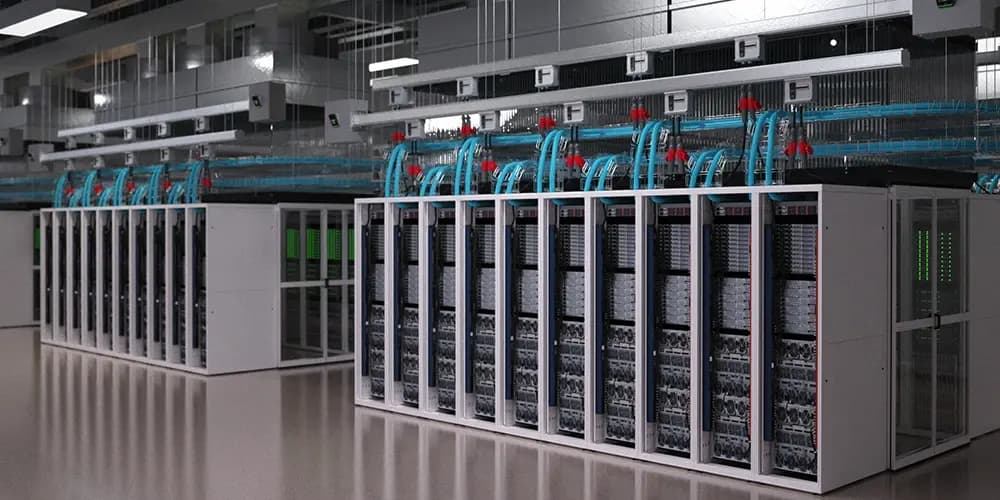
Sovereign Data Center Infrastructure: Optimizing Power & AI Readiness In Qatar
In alignment with the Qatar National Vision 2030 and the Digital Agenda 2030, the nation is rapidly transitioning into a global hub for Hypercomputing and Hyper Automation. For data center operators in Lusail City, Msheireb, and the emerging Um Garn hyperscale corridor, the backbone of this transformation is intelligent power distribution.
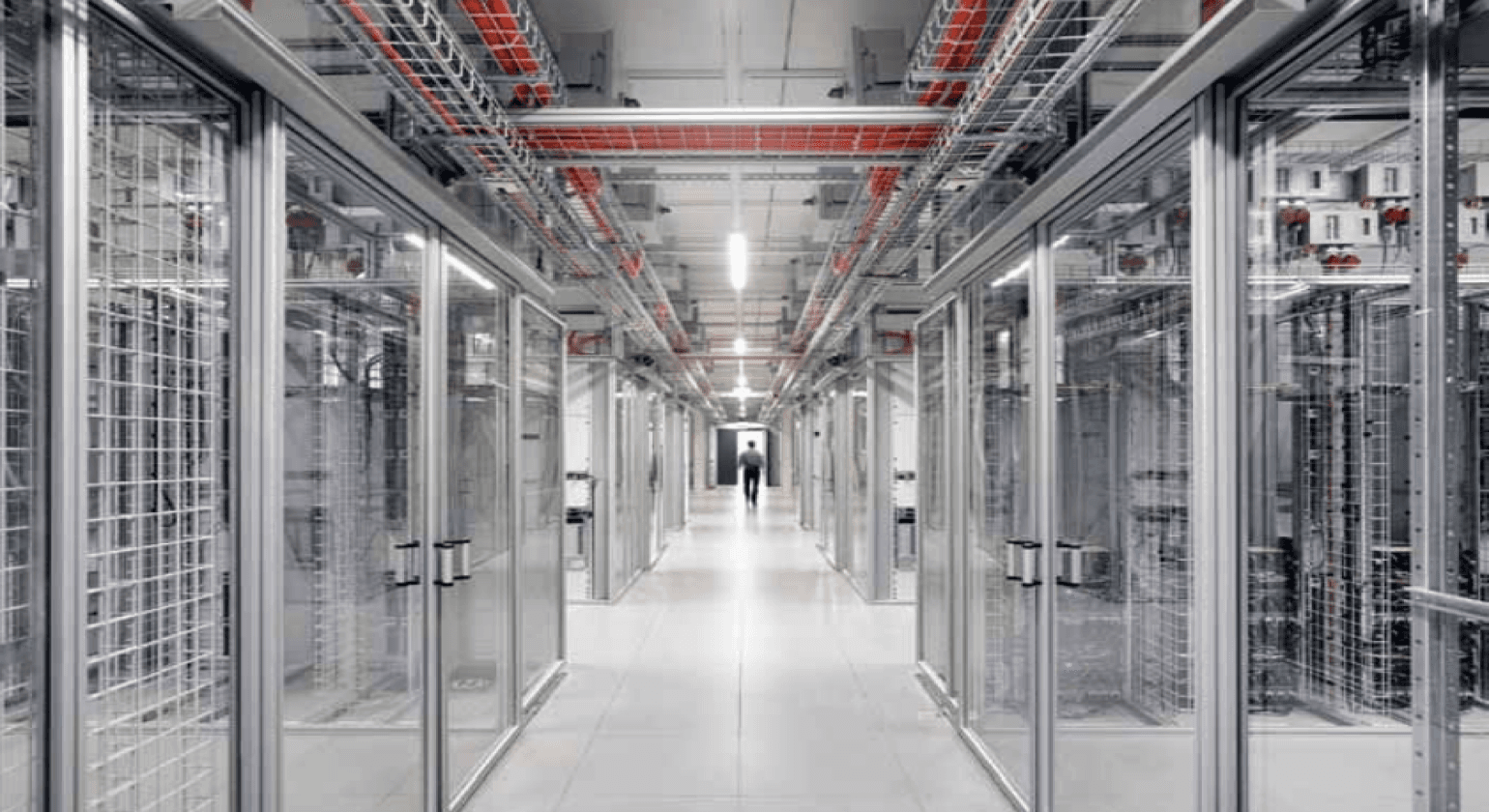
Modulan Individual Aluminum Elements Ensure Secure Containment Hot And Cold Aisles
If You Operate A Brownfield Data Center Which Contains Cabinets From Various Suppliers, Our System Allows You To Contain The Enclosures Without Buying New Ones.
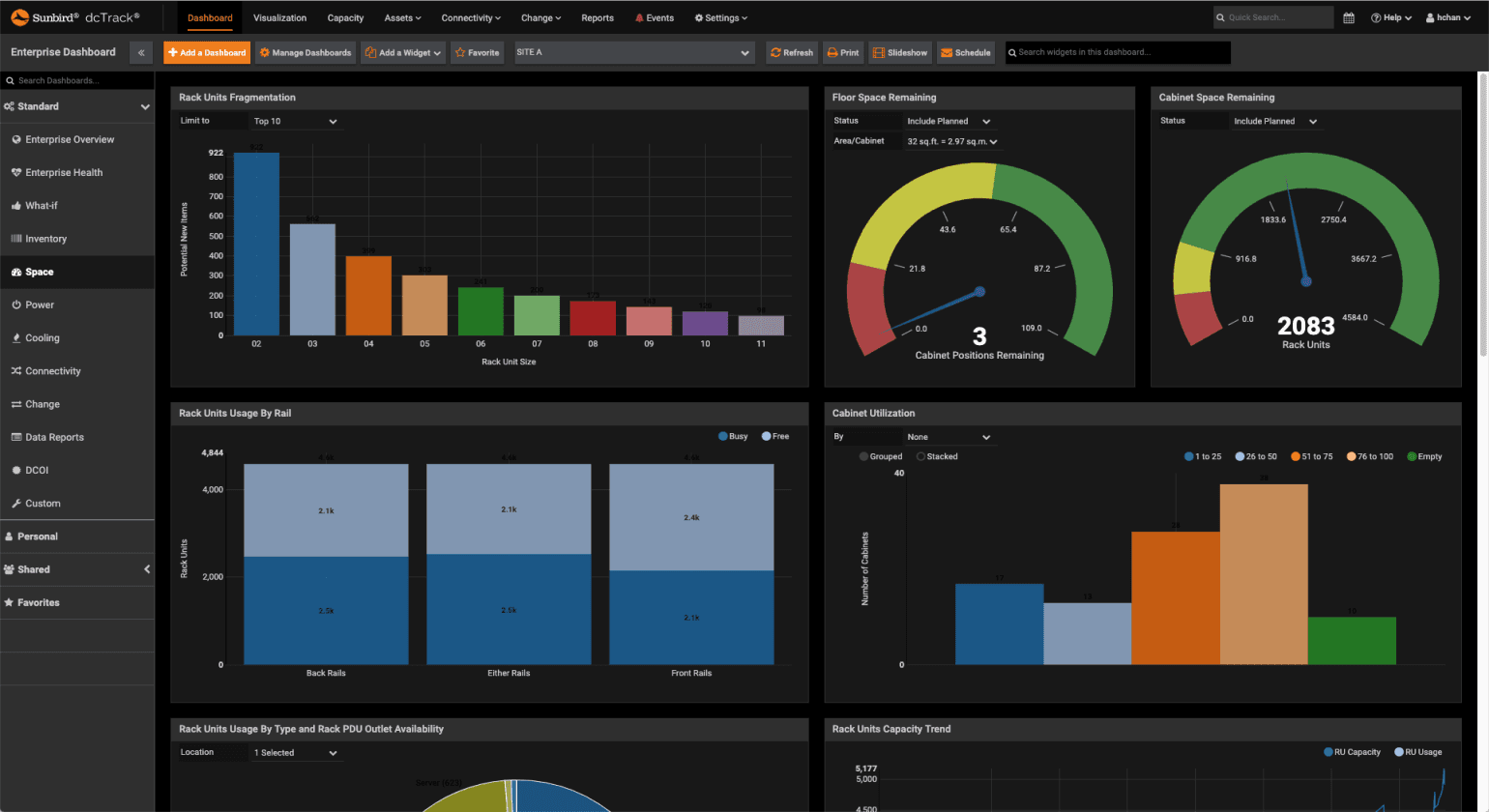
Unleashing Efficiency And Precision: Exploring Innovative DCIM Solutions
In the ever-evolving landscape of data centers, the need for efficient management and optimization has never been greater.